Your day, held in one place
Home shows what matters today. The inbox catches everything else, the calendar gives it a time, and a timer keeps you honest while you do it.
A Home that is yours
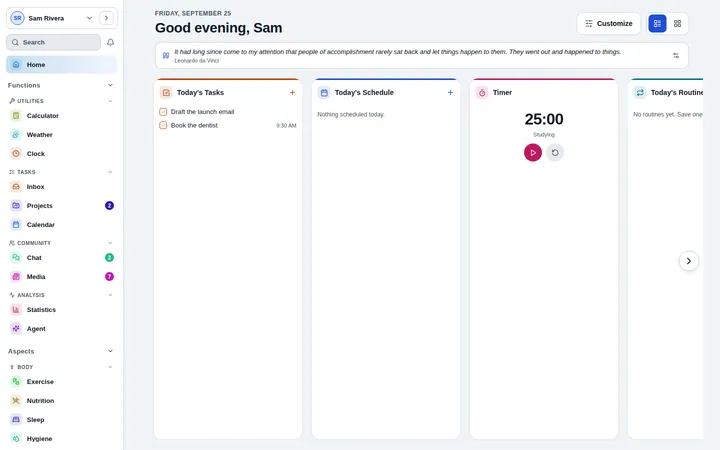
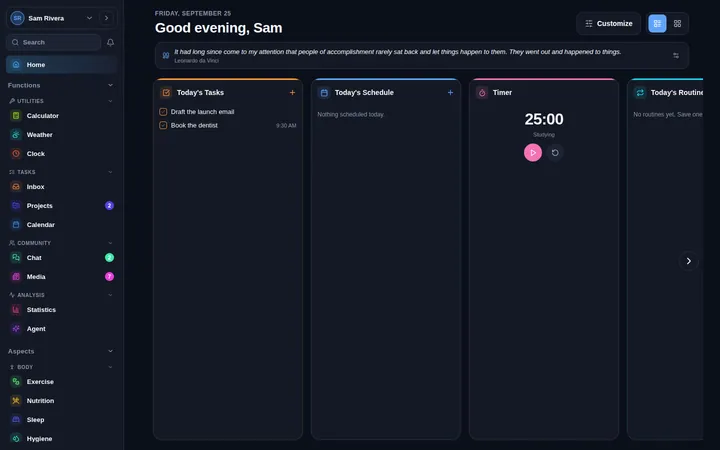
Today’s tasks and schedule, what is running, a quote to start the day and the widgets you pick, laid out the way you like.
An inbox that empties
Capture in a second, tag as you go, and clear overdue and completed work from their own panels.
A calendar that stays out of the way
Events and all-day plans, a calendar that folds away, and a Today button for when you have wandered.
Timers for every kind of work
Countdown, count-up or stopwatch, several at once, and they keep counting while you move between tabs.
Routines in one tap
Turn a morning or evening checklist into a routine and run it with Play, step by step.
Your calendars, brought in
Subscribe to a calendar link or file, or connect Google Calendar, and see everything in one view.
Open the app, see your day
Home is the page you open, not the page that opens you. It shows today’s plan and anything running, and you decide what else earns a spot.
- Widgets you choose and arrange
- Today’s tasks and schedule side by side
- Running timers, always visible
Start, and keep going
Every tab has the same two buttons: Start for something that takes time, Log for something that already happened. A started session follows you around the app until you finish it, and lands in your calendar when you do.
- Countdown, count-up and stopwatch modes
- Several timers at once
- Sessions logged to your calendar automatically
Questions about Planner
Can I import my existing calendar?
Yes. Paste a calendar link or import a calendar file, or connect Google Calendar from Integrations.
Do timers keep counting when I switch apps or lock my phone?
Yes. A timer remembers when it started, so it shows the right time when you come back, and a countdown that ended while you were away is recorded as finished.
Are there keyboard shortcuts?
Yes, on computers. Open Keyboard shortcuts from Settings to see them all.
Start today. It is free.
No card and no trial clock. Everything is free while the app is in early access.