Run the week instead of chasing it
Projects, calendar, notes and the habits that keep you sharp, in one app, with an assistant that drafts the plan and waits for your yes.
What gets in the way
Work spread across tools
Tasks, documents, chat and calendar each live somewhere else, and the context lives nowhere.
Meetings about status
Finding out whether a project is on track takes a meeting instead of a glance.
The person doing the work runs on empty
Sleep and exercise slip first when the week gets full, and they take focus with them.
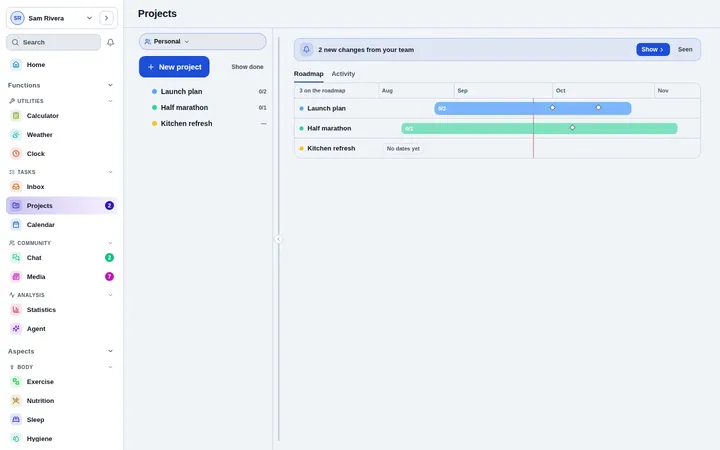
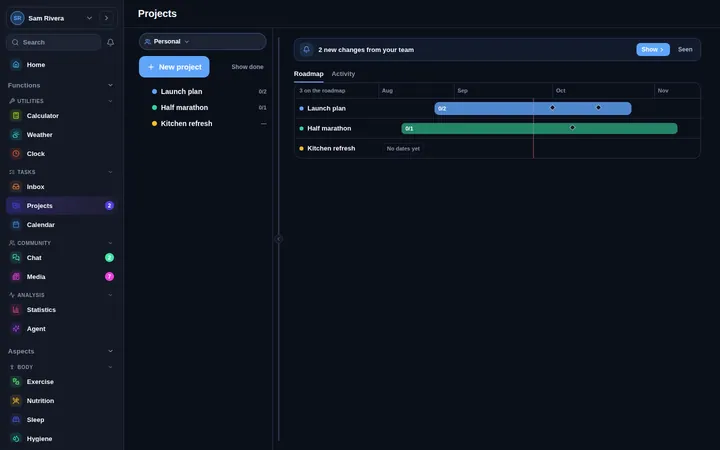
Every project at a glance
Workspaces, milestones and a roadmap you can drag, with health signals that show trouble early and an activity feed that replaces the status meeting.
- On track, at risk or off track
- Saved views for every question
- Activity since you last looked
A day that holds together
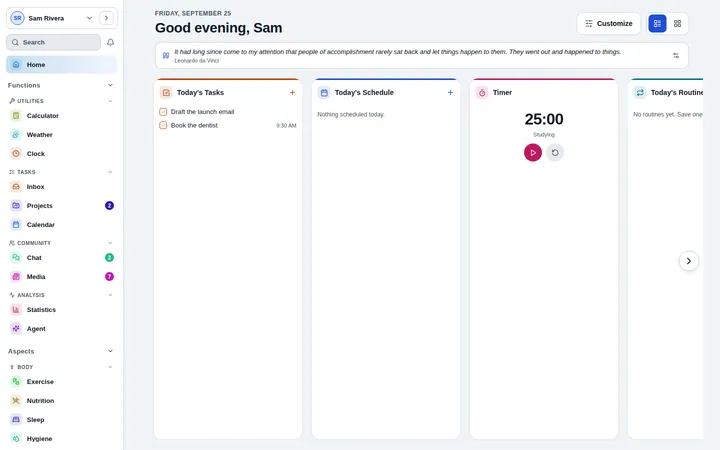
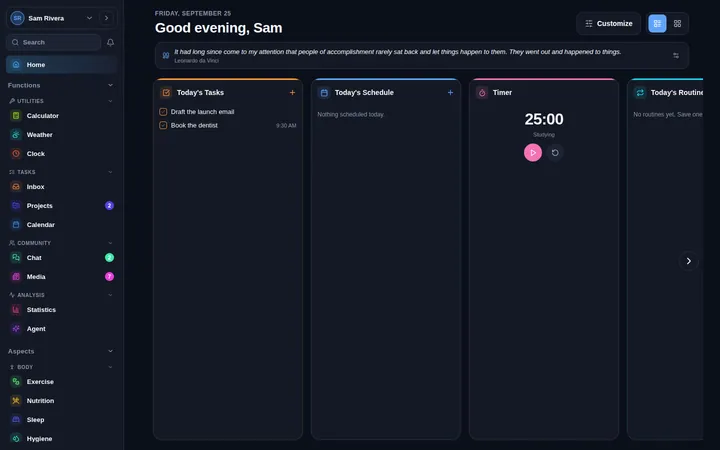
Home shows the plan and what is running, the inbox catches the rest, and the calendar brings in the calendars you already have.
- Inbox with tags and overdue views
- Google Calendar and calendar links
- Timers that follow you around
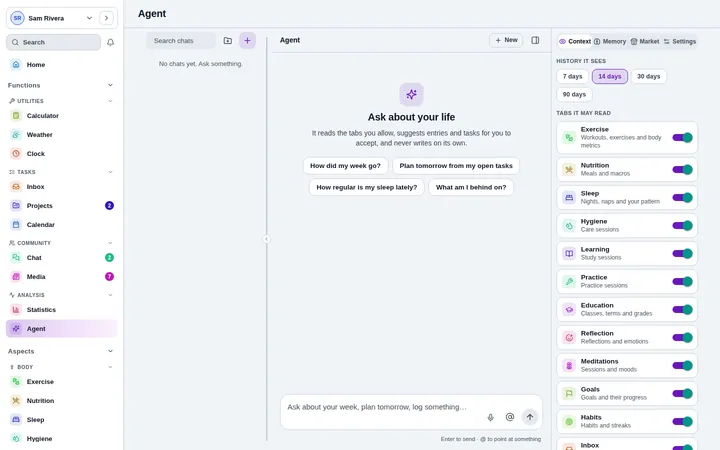
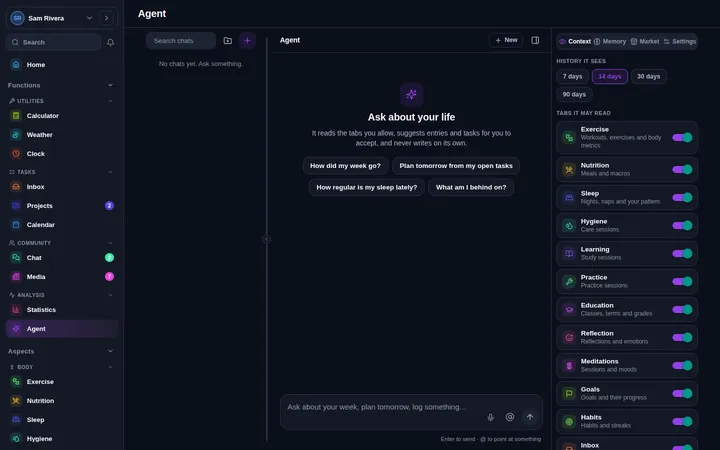
A plan drafted before your first coffee
Autopilot drafts a morning plan, tidies the inbox in the evening and reviews the week on Sunday. Everything waits on a card for your yes.
- Your own AI key, or an on-device model
- Suggestions you accept or reject
- Private tabs it can never read
Set it up in five minutes
- 1Turn on Projects, Inbox, Calendar and Notes
- 2Bring in your calendar and invite your team to a workspace
- 3Switch on the morning plan in Autopilot
- 4Add Sleep and Exercise when you are ready
The research
The Habits guidebook explains how routines become automatic: a fixed cue in a stable place, repeated, with a single missed day doing no harm. Every claim has its sources.
Read the Habits guidebookStart today. It is free.
No card and no trial clock. Everything is free while the app is in early access.